Import directly from StoryGraph
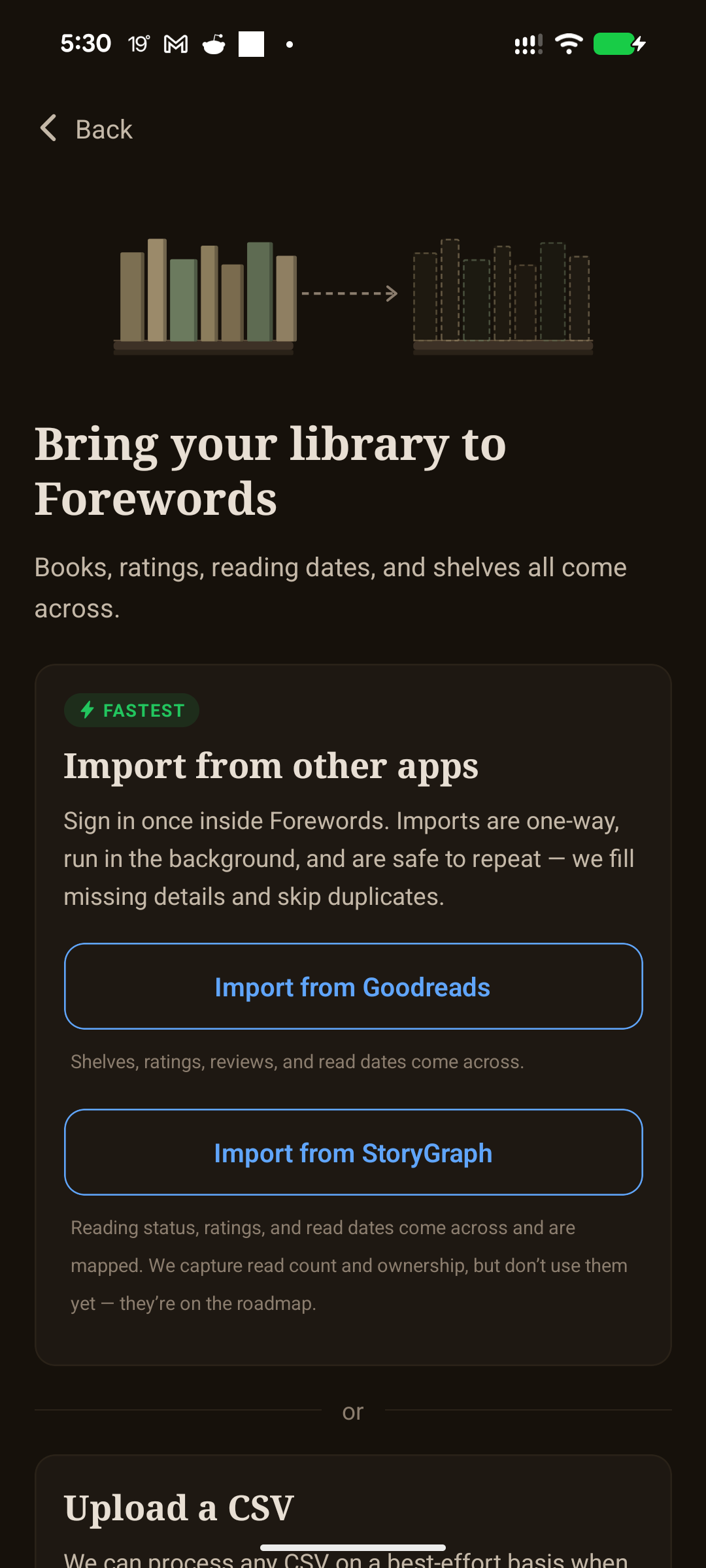
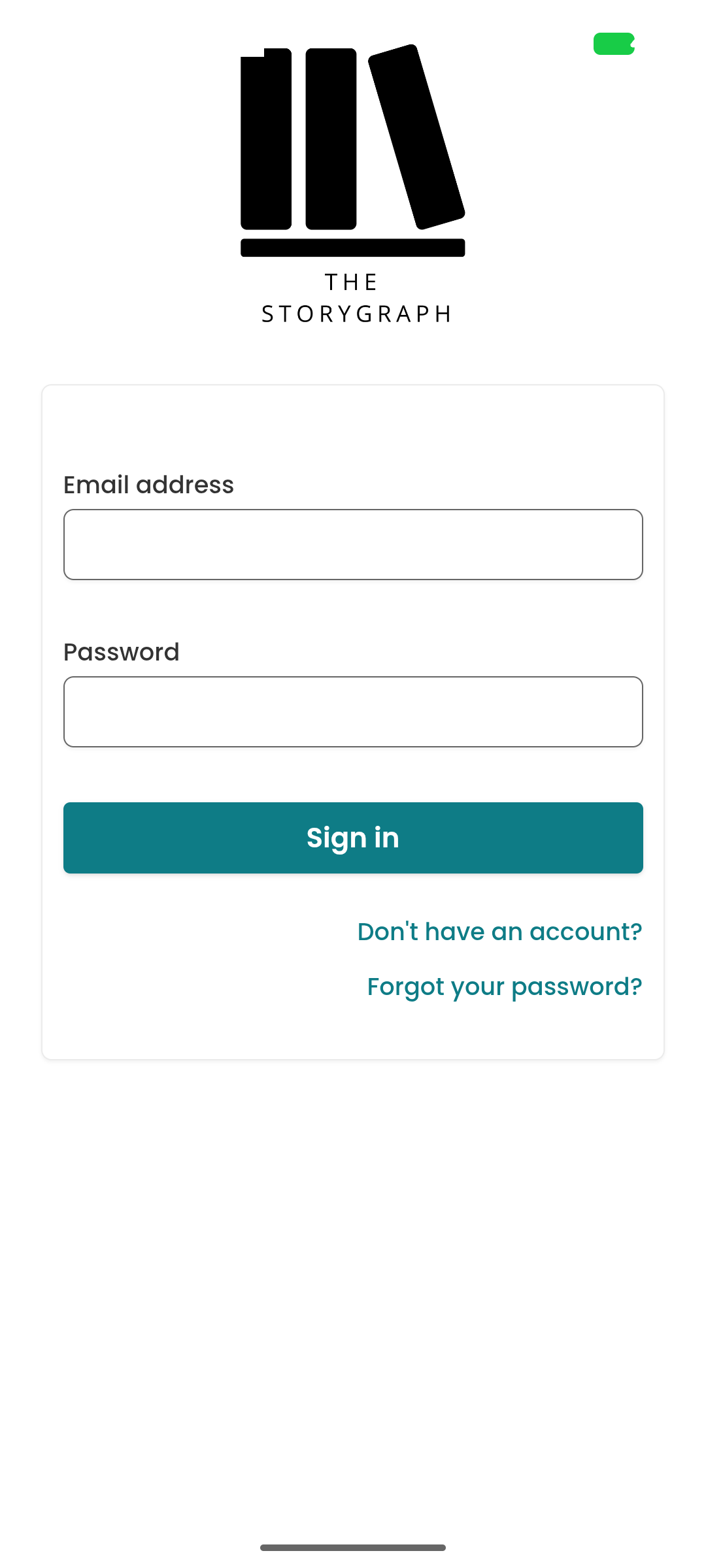
You do not need to export a CSV to move your StoryGraph library to Forewords. In the mobile app, go to Settings → Import your Library → Import from StoryGraph, then sign in and follow the prompts.
Forewords brings across your books, reading status, ratings, and read dates. The import is one-way rather than an ongoing sync, so later changes in StoryGraph will not automatically change your Forewords library.
What to expect
- No CSV required. Sign in from Forewords and import directly from the app.
- Safe to retry. If you run the import again, Forewords de-duplicates matching books.
- A portable fallback. Prefer a file? You can still export from StoryGraph and upload its CSV on the web importer.
- Some fields are held for later. Read count and ownership are captured for future functionality, but are not yet shown in Forewords.
Ready to try it? Install Forewords on iPhone or Android.
Related questions
- →How do I import my library from Goodreads?
- →Is Forewords free?
- →How much does Forewords cost?
- →Does Forewords work on iPhone?
- →Does Forewords work on Android?